Mathematics
Write $$\pi r^2$$ and it sets as real type — scaling with the document, selectable in the PDF, and printed in its own fonts rather than pasted in as a picture. A lone $ is still a currency symbol.
Coloured code
A fenced block that names a language is coloured, in a palette restrained enough for a printed report and legible in black and white. Nothing is guessed: an unlabelled block is left exactly as written.
PDFs you can search
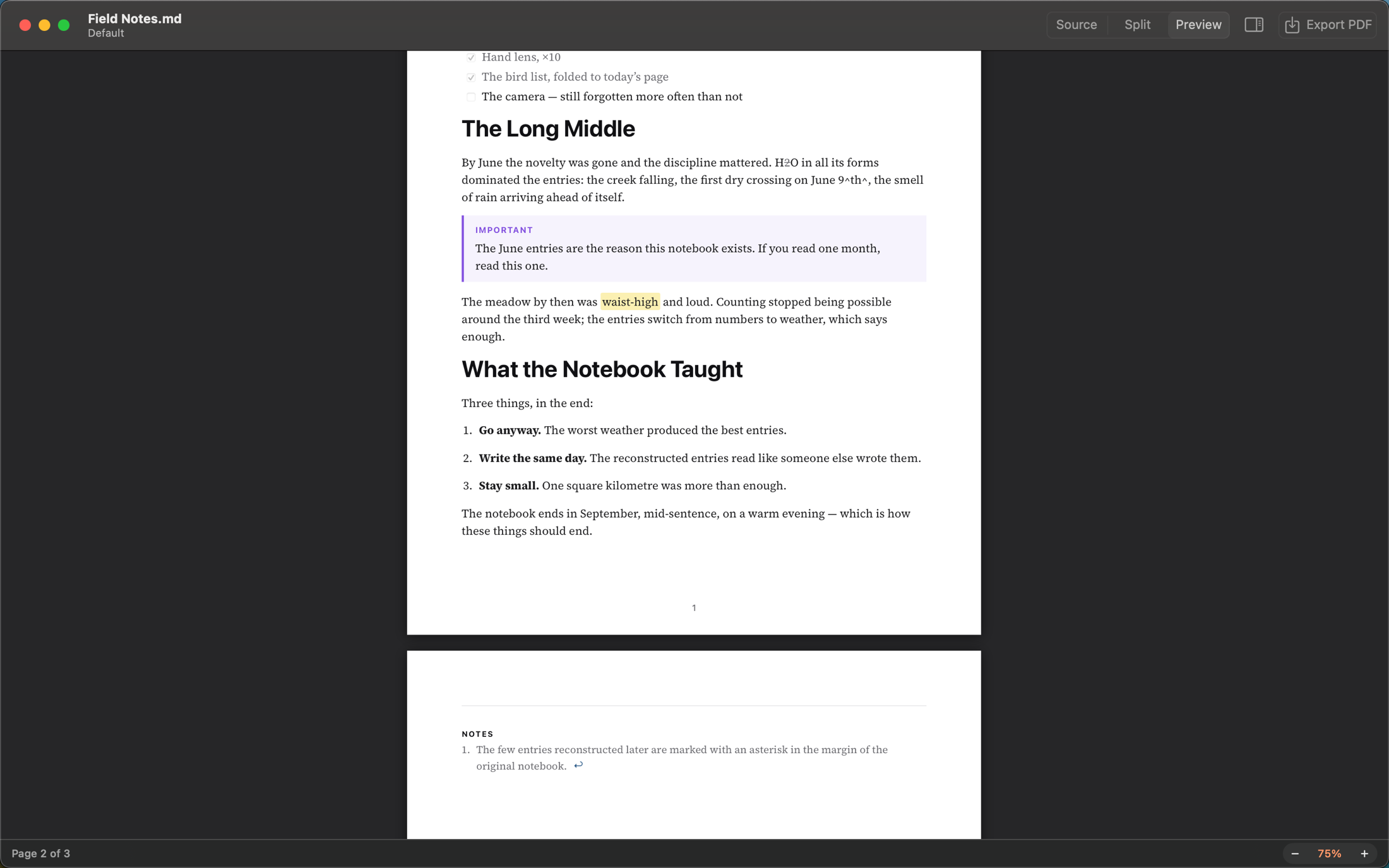
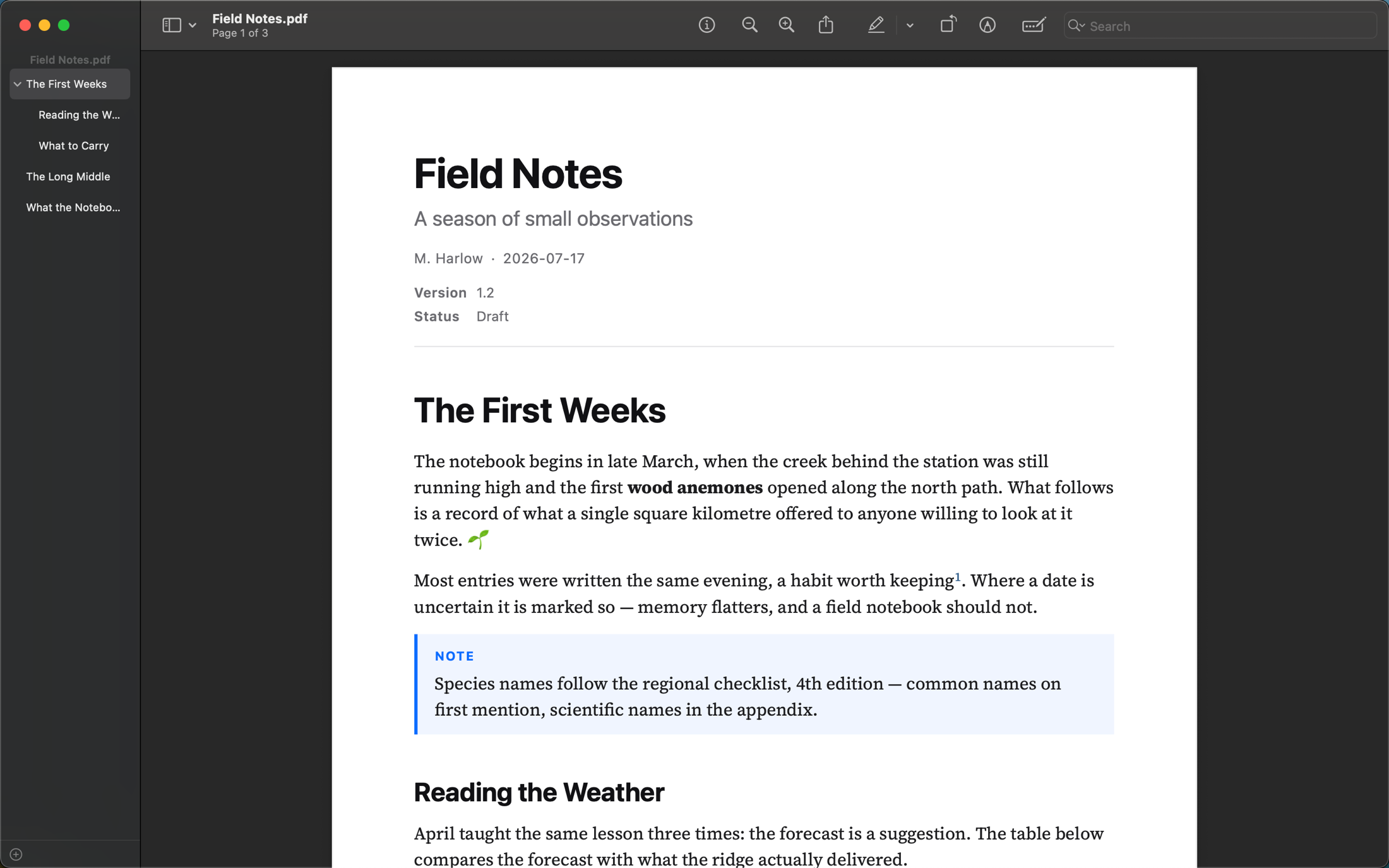
Every word in the export is a word a reader can find with ⌘F and paste back out — including the ones a typeface would rather set as a single ligature.
Presets
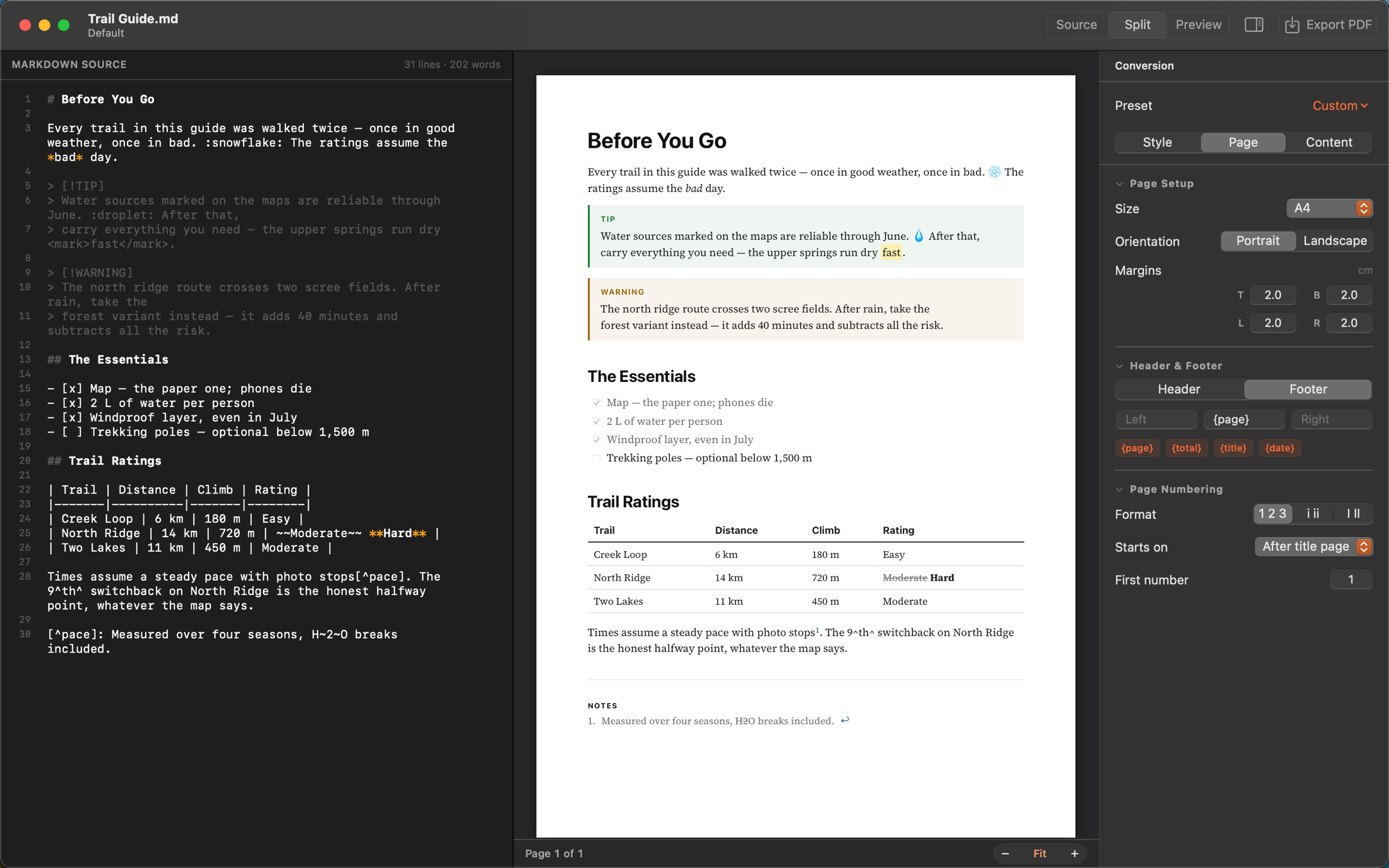
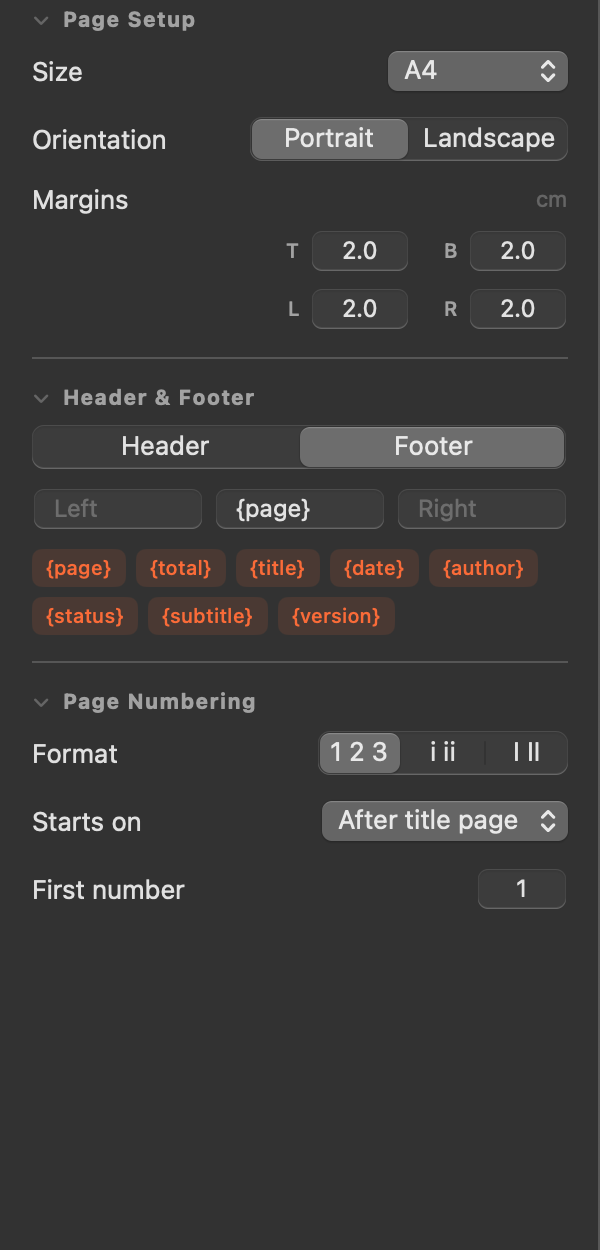
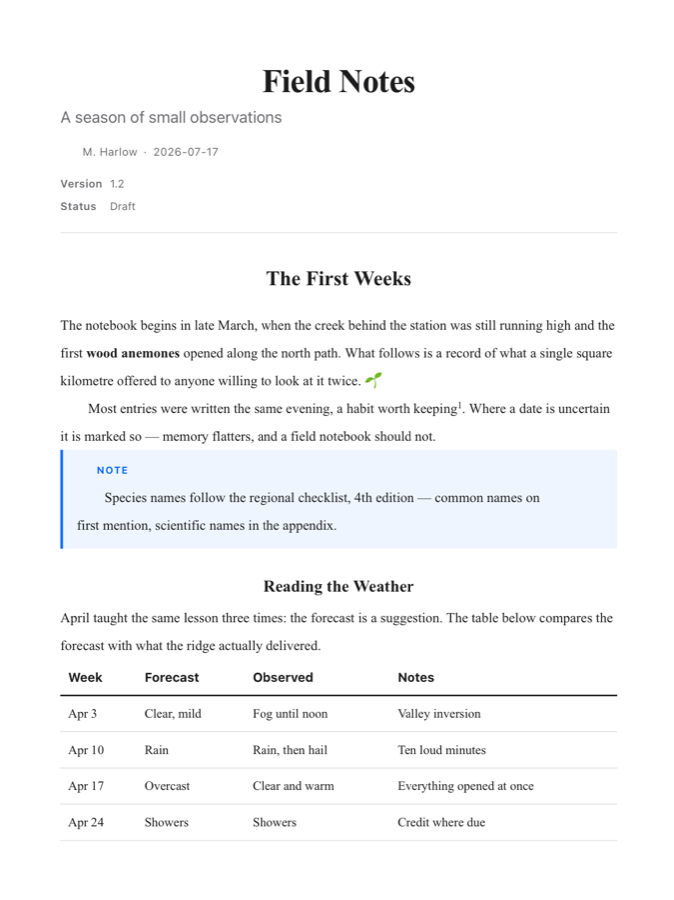
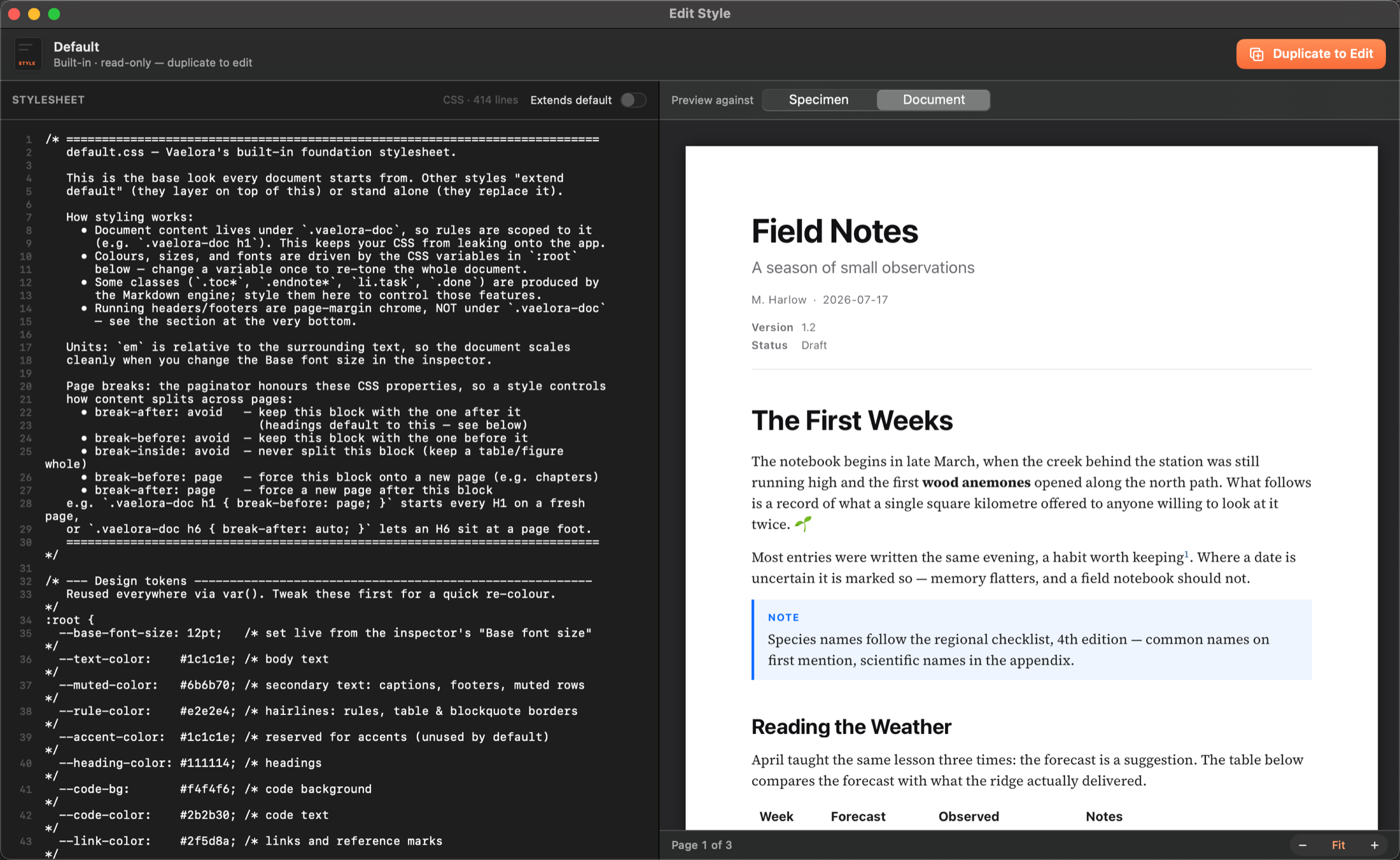
Save a style, page setup, and header/footer as a named preset. Apply it to any document with one click.
Multiple windows
Every document opens in its own window with its own settings, zoom, and view mode.
Table of contents
Generate a TOC with live page numbers — it skips the unnumbered front matter and only lists what follows it.
Tables by shape
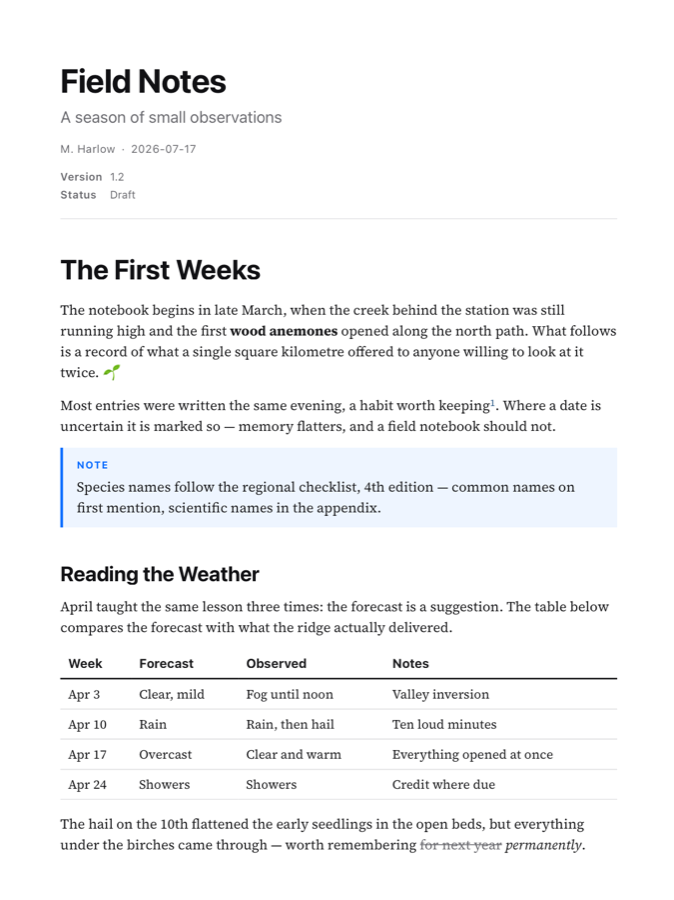
Add a row or a column, set a column's alignment, and Vaelora rewrites the Markdown — no counting pipes, no realigning dashes.
Per-document cleanup
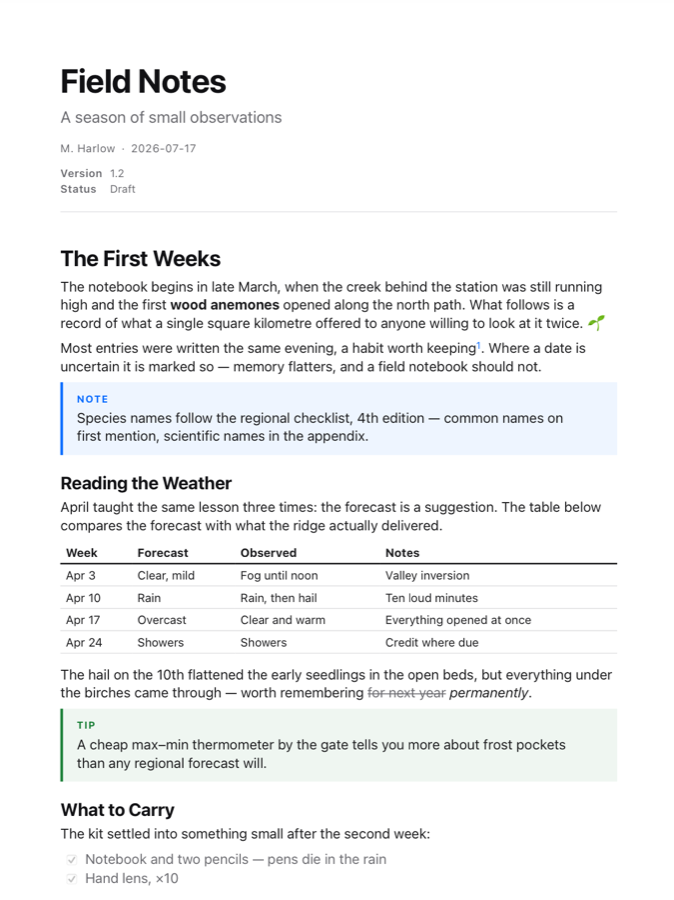
Shift heading levels, strip emoji, flatten heading formatting, or drop horizontal rules — without touching your source.
Preview zoom
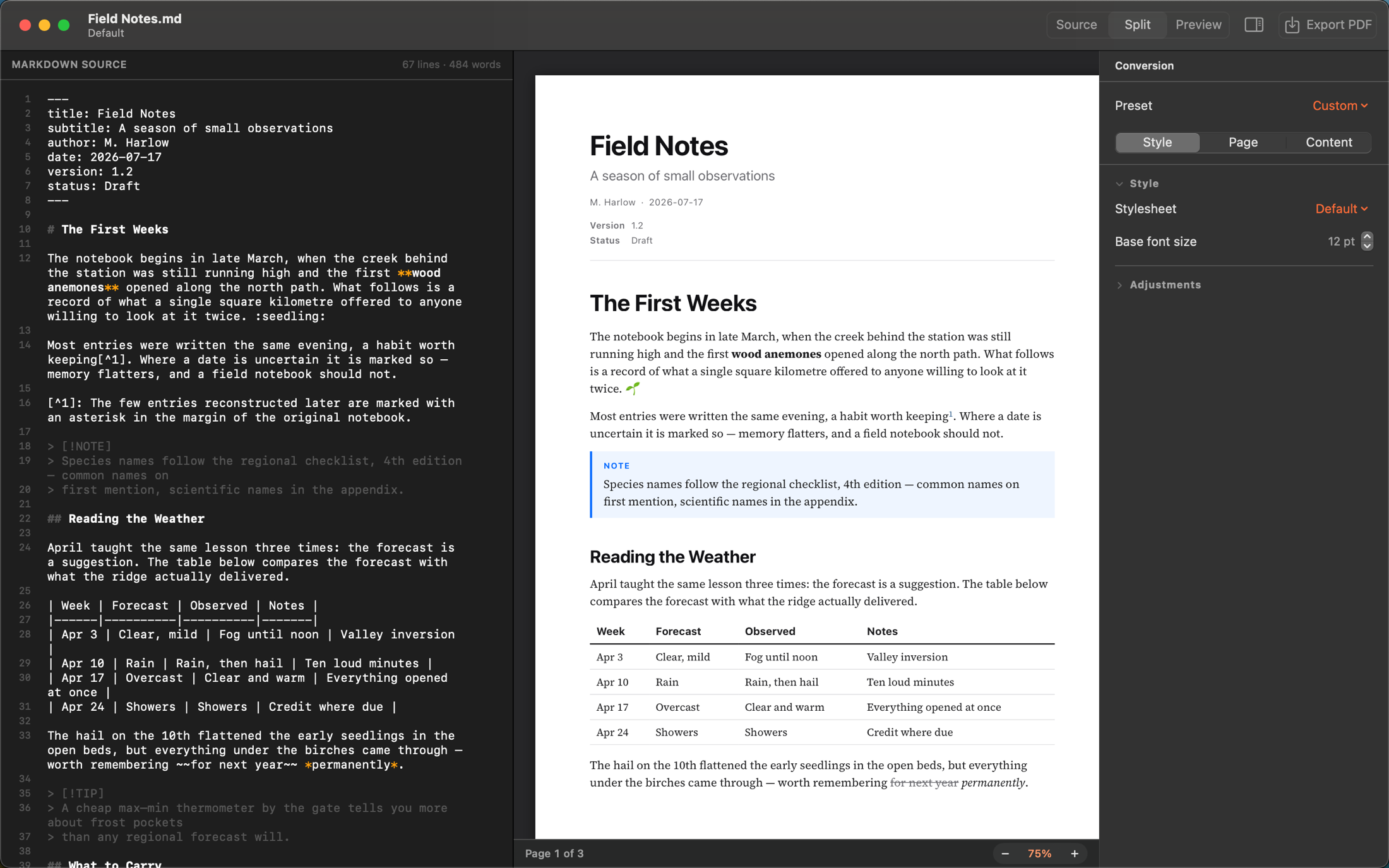
The preview fits the width of your window by default, or shows a whole page at once with ⌘8 when you want to see where the breaks land. Magnify from 35% to 300% with ⌘+ and ⌘−. A word count keeps you honest.
Page zoom
Set the document itself larger or smaller — 50% to 150% — and everything scales together, running headers included. The paper and margins stay put, and the PDF gets exactly what you see.
Contents you choose
Pick which heading levels reach the contents page and which reach the PDF outline — separately, because a sidebar and a printed TOC want different depths.
Updates in place
Vaelora says when a new version is out and installs it itself. No disk image to drag, no reinstall.
Changed on disk
Edit the same file in another app and Vaelora notices, offering you the new version rather than quietly holding a stale one.
App-wide defaults
Set your preferred style, page setup, and content options once in Settings — every new document starts there.
Light & dark
The app follows your system appearance. Your document stays a document — white pages, either way.
Truly native
SwiftUI, signed and notarized by Apple. No Electron, no bundled browser, no runtime dependencies.
Private by design
Everything happens on your Mac. No accounts, no telemetry, nothing leaves your machine.
Comment author
Notes are signed with your initials, taken from your account name — or anything you type in Settings, if “Legal” suits the document better than “RS”.