Styles

Design is a stylesheet.

A document's entire look — typography, colors, spacing, even where pages break — lives in one portable .mdpdfstyle file. And inside that file is nothing exotic: it's CSS.

The built-ins

Eleven looks built in — and counting.

The same document, restyled with one click in the inspector. Here are four of them — the content never changes, only the stylesheet.
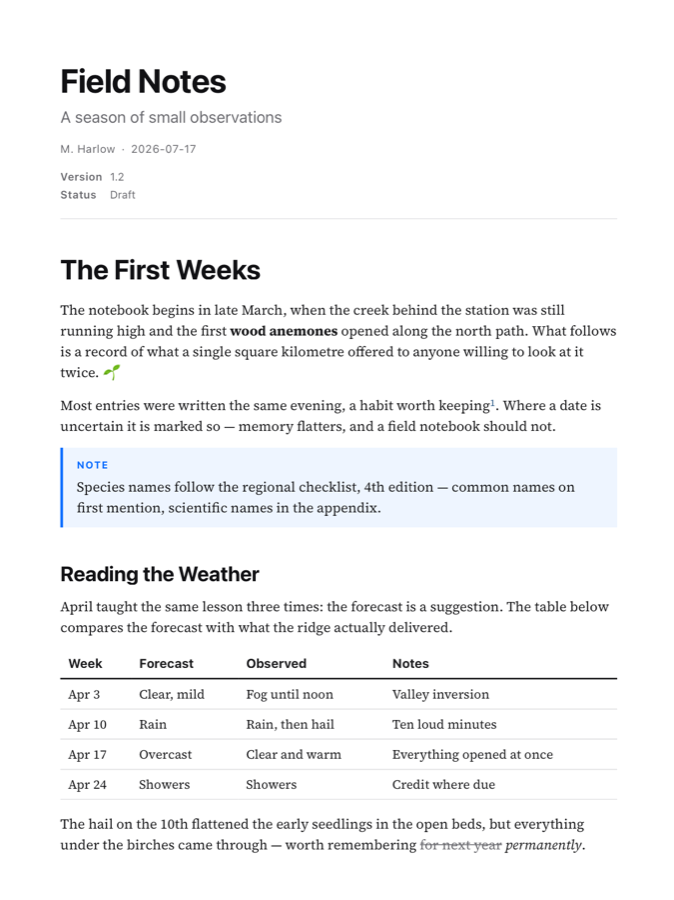
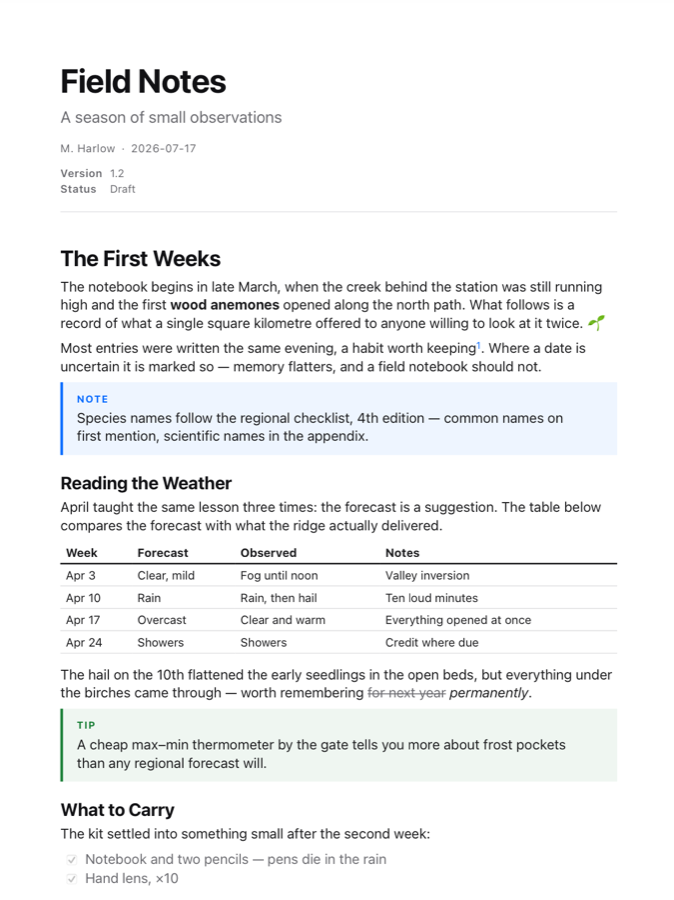
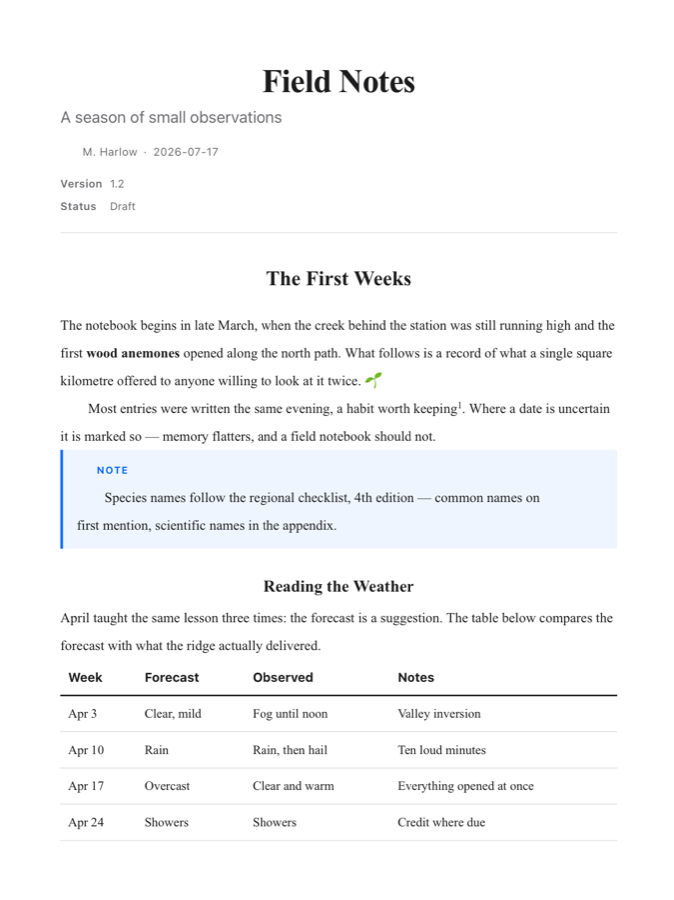
A document in the Default style: serif body, clean sans headings
DefaultQuietly bookish. Serif body, sans headings.
The same document in the Compact style, tighter and sans-serif
CompactDense and sans-serif. Fits more per page.
The same document in the Manuscript style with centered serif headings
ManuscriptOld-school serif, centered headings, indents.
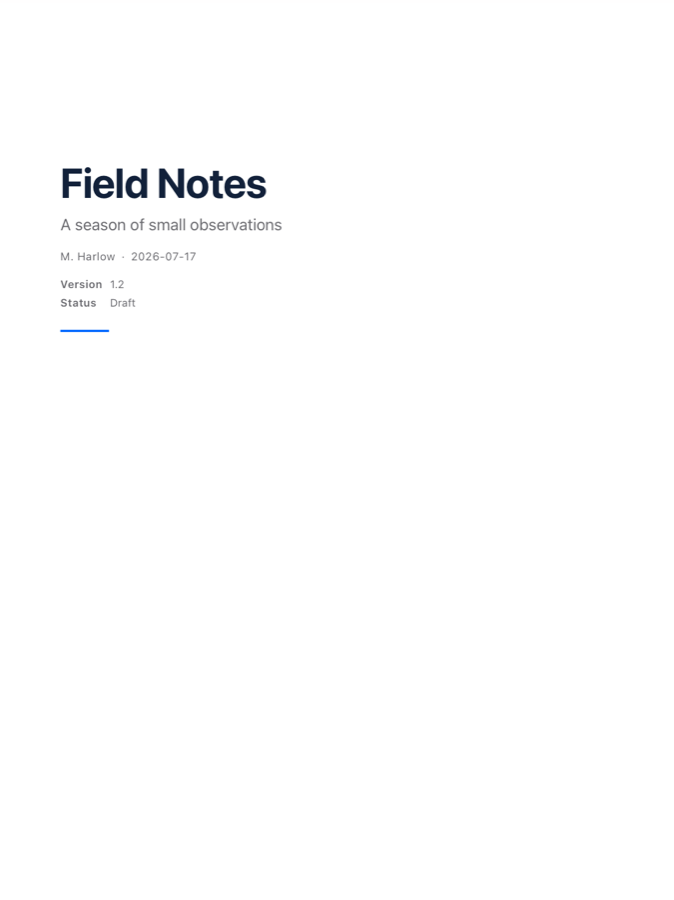
The Technical Report style's generated cover page
Technical ReportBlue accents, ruled headings — and a cover page.
Academic Paper Agreement Editorial Journal Article Letter Resume Thesis

Also in the library — and new releases keep adding more.
Under the hood

If you know CSS, you already know this.

Open any style and you'll find ordinary, commented CSS — no proprietary syntax to learn.

  • Scoped to the document — every rule targets .vaelora-doc, so your CSS styles the page, never the app.
  • Design tokens up top — colors, sizes and accents are CSS variables in :root. Change a variable once and the whole document re-tones, alerts and all.
  • Extend or replace — a style can layer on the built-in Default (write only what differs) or stand entirely alone.
  • Semantic hooks everywhere — the renderer emits classes for TOC entries, task-list items, footnotes, alerts, and front-matter rows, so everything is targetable.
/* Compact — extends default.css.
   Dense, sans-serif, tight leading. */

.vaelora-doc {
  font-family: -apple-system, "SF Pro Text",
               "Helvetica Neue", sans-serif;
  line-height: 1.35;
  --heading-color: #111114;
  --link-color: #0a6cff;
}

.vaelora-doc h1 { font-size: 1.6em; }
.vaelora-doc p  { margin: 0 0 0.5em; }
.vaelora-doc table { font-size: 0.85em; }
/* Chapters start on a fresh page… */
.vaelora-doc h1 {
  break-before: page;
}

/* …tables never split in half… */
.vaelora-doc table {
  break-inside: avoid;
}

/* …and headings keep their text. */
.vaelora-doc h2 {
  break-after: avoid;
}
Pagination is CSS too

Your stylesheet decides where pages break.

Vaelora's paginator honors the standard CSS fragmentation properties — break-before, break-after, and break-inside — in the live preview and the exported PDF alike.

  • Force a break — give a style chapter-per-page structure with one rule.
  • Prevent a break — keep figures, tables, and code blocks whole.
  • Sensible defaults — headings already stay with their text, and widows and orphans are handled for you. Your rules only override.
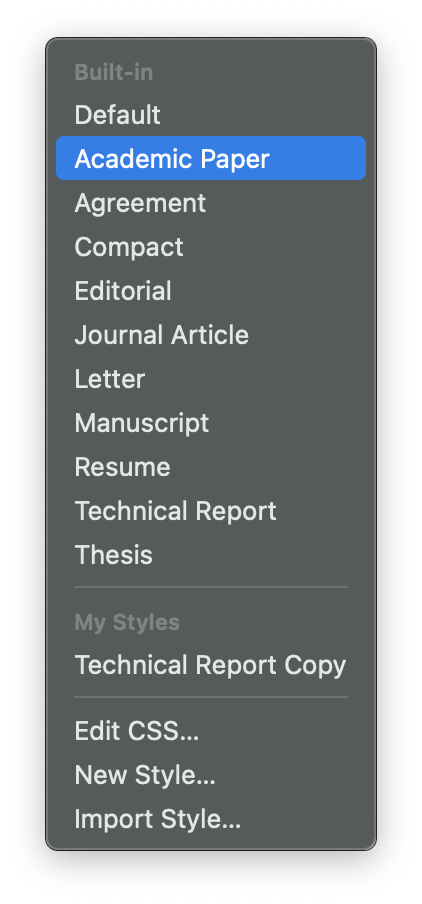
The stylesheet menu: the built-in styles, My Styles, and the Edit CSS, New Style and Import Style commands
The library

Built-ins are the starting line.

The stylesheet menu is the whole library. Built-in styles are read-only, so there's always a known-good baseline — duplicate one and make it yours.

  • Duplicate to Edit — fork any built-in into My Styles and change anything.
  • New Style — start from a clean slate when you'd rather write it all yourself.
  • Import & share — a style travels as a single .mdpdfstyle file. Send it to a teammate and their exports match yours, pixel for pixel.
The Style Editor

Edit CSS, watch pages change.

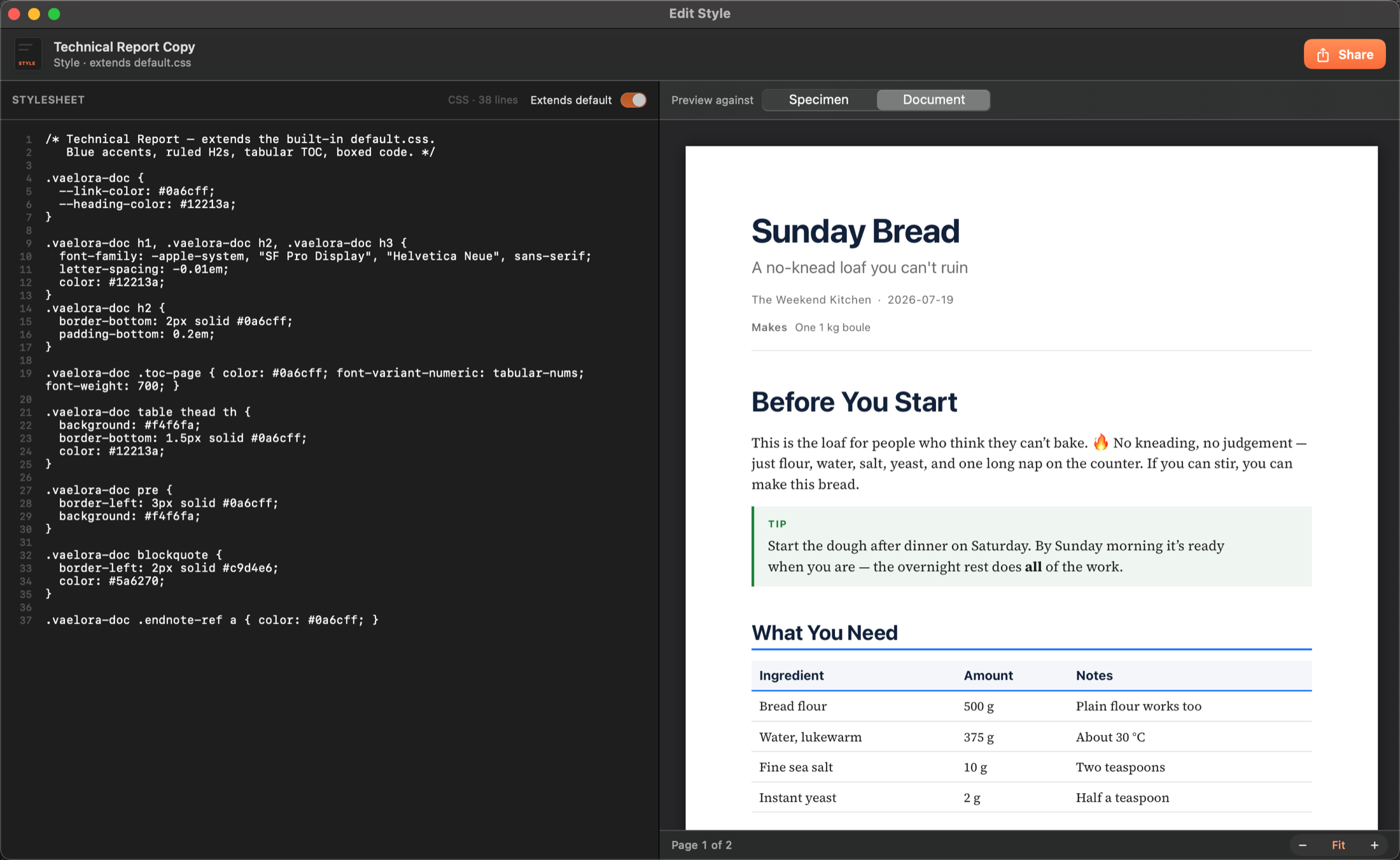
Every style opens in a dedicated editor: your CSS on the left, live pages on the right. Preview against a specimen that exercises every element — or against your own open document, exactly as shown here.

The Style Editor editing a custom style: 38 lines of CSS on the left, the Sunday Bread document re-rendered live on the right

This custom style is 38 lines long. It extends the Default, so it only says what's different — blue accents, ruled headings, a tinted table header. That's a complete, shareable document design.

Make one

Your letterhead is a stylesheet away.

Download Vaelora, duplicate a built-in, and nudge a variable. You'll have the idea in about a minute.

Free download · Requires macOS 14 Sonoma or later · Apple silicon & Intel